Guide : PrintingProxies.com’s mtg proxy ordering system
Need help with your ORDER?
Weather you want to order MTG proxy cards. Pokemon Proxy cards or simply upload your own creation to be printed, this guide will be the perfect step by step to your order. PrintingProxies.com offers a unique way to get any Magic: The Gathering card proxy on demand! However, the first time you use the site may be a tad confusing, so here is a step-by-step guide to help you through your order. Remember, you can always reach out to us for fast answer viaEmail or ourDiscord.
GUIDE: HOW TO ORDER WITH US
STEP1: SELECT YOUR CARDS
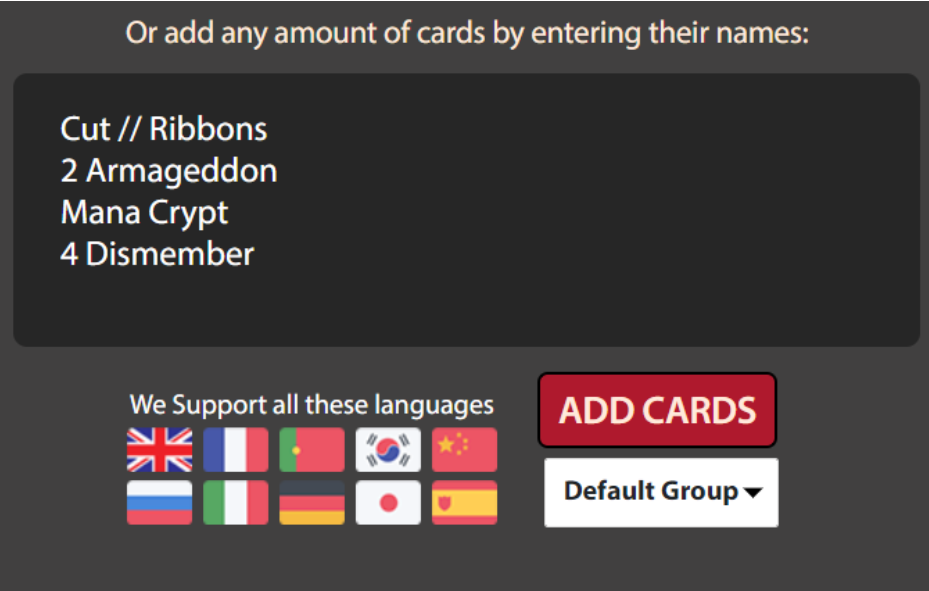
The first step of ordering your MTG Proxies is to list which cards you want. You can do this manually, by typing in the exact name of the card into the larger box. It’s important to use the name that the card would be listed as, such as the Cut // Ribbons below format for aftermath cards. Double faced cards are listed as their front name, by the way.
You can also search for cards by beginning the card name in the smaller search box above the large box.
If you’re looking for a card in a specific language, you can put the name of the card in that language and the module will automatically find it for you! “Contresort” will result in the French version of Counterspell, for example.
STEP1 (a): UPLOAD YOUR OWN CARDS
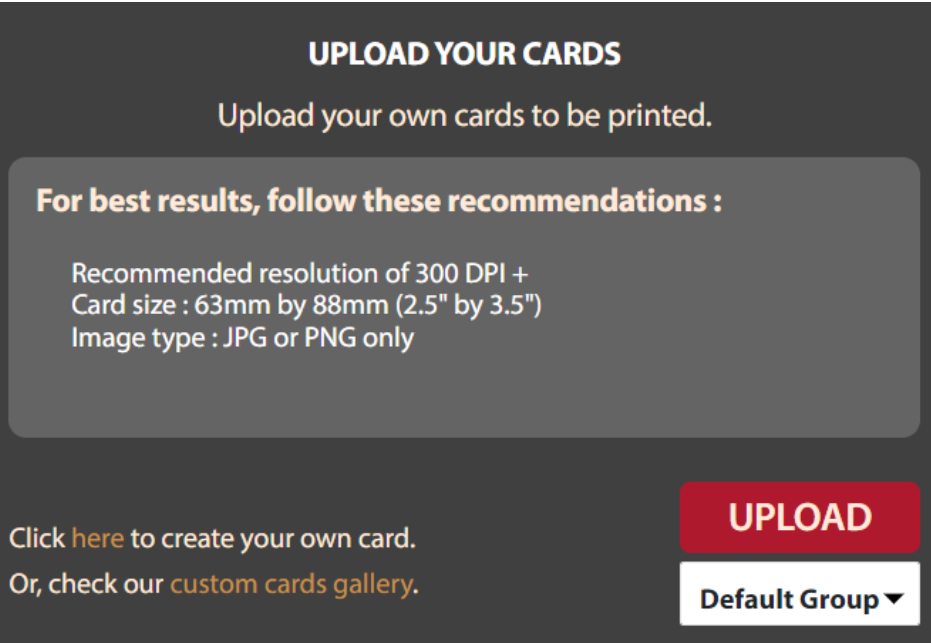
Alternatively, you can upload your own cards. Uploaded cards can include a custom back as well, so you can have double-sided cards. (Keep in mind that you may only upload JPG or PNG images).
We don’t have any restriction on the visuals of your cards, meaning that we assume that you own every right to them and can not be held responsible legally. We simply offer a great MTG proxy printing service. No official MTG logos will be accepted, for legal reasons (Front or Back). Specifically, the “MAGIC” element.
STEP2: STEP UP YOUR ORDER
QUANTITY AND SELECTION
Adding a quantity followed by a space before a card name will determine the quantity. You can also change the quantity of the card after it’s loaded into the order by pressing the plus or minus key below the card.
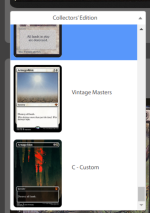
Above the quantity buttons will be a drop-down menu to select the version of the card that you wish to use. Not only does PrintingProxies offer secret lair cards, but also fan-made versions!
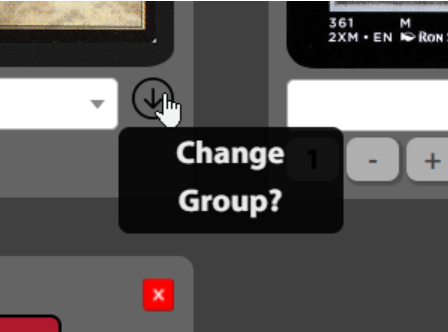
GROUP CARDS FOR DIFFERENT BACK OF CARDS
While here, you can also group your cards. Grouping cards in your order can allow you to have different backs for each group. This allows you to give your custom tokens a logo from your brand while keeping your proxies with a standard proxy back, or to allow friends to order together and ensure different backings to differentiate who gets what.
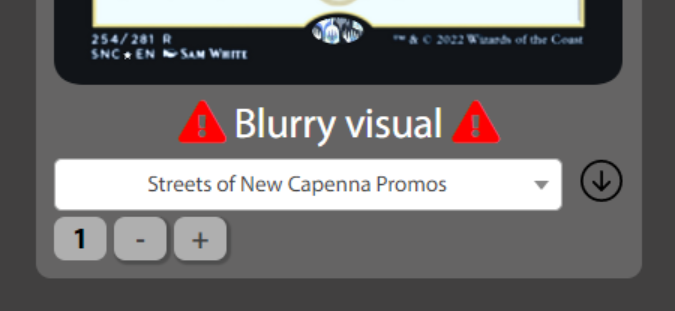
FILTER BLURRY CARDS
Sometimes, cards will not have the clearest images in our system. When that issue arises, a little warning sign will display next to or under the card. Remember, what you see is what you get!
Since our system relies upon users submitting better visuals, as well as whatever is available on the internet, if you find a blurry card that you have a better image of, please join our discord and submit it there.
If you do find a clearer image of a card that we have listed as blurry, you can upload it as a custom card when placing your order instead of missing out on that card. And remember, in general you’re better of selecting newer set than older, as visual sometime to not hold up to expectation for these 25-30 years old pictures.
BACK OF YOUR CARDS
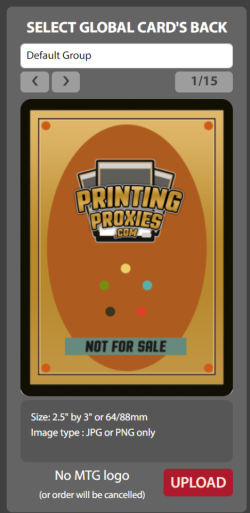
While here, you can select the back you want your cards to have out of our database that contain about 15 cards. Remember, if you’ve created different groups, you’re also able to select a group and choose a back only for that group, or upload your own as well. No MTG original back allowed.
STEP3: PLACING YOUR ORDER
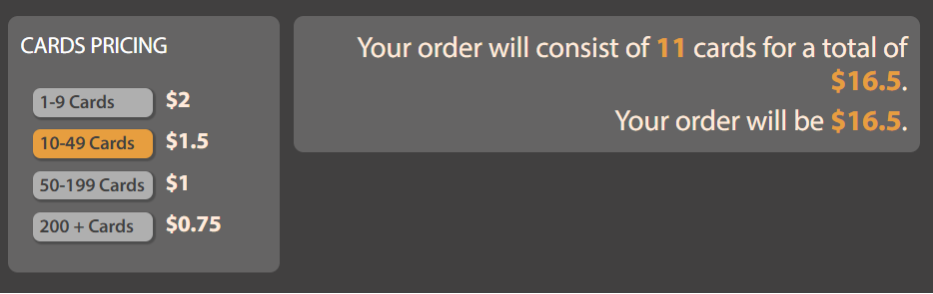
At the bottom of the order page, we have a reminder as to our pricings, as well as which of our rates your order currently falls under.
After you’ve ensured that the artwork you have selected is to your liking, select ‘Place Order’.
This will bring you to the checkout screen, where you can select other products we offer (Sleeves, Holo Stickers, and our one-of-a-kind Proxy Booster Packs) to add to your order, as well as apply coupons. We offer a chance to win coupons for free proxies every Saturday on our Discord at 11AM PST (2PM EST).
Once you have everything you need, and you’ve applied all of your coupons, you can select ‘Proceed to Checkout’ and finish the order.
After your order has been placed, you will receive an email with the details, as well as information as to how to get your tracking number. Orders are prepared and shipped the day after the order has been placed.